Oracle products also receive patches for bugs and security issues.
You can track them here: https://www.oracle.com/security-alerts/
We will apply a patch to the Oracle database using the OPatch tool.We must back up the database before proceeding with the patching steps.
The steps we will follow are summarized below:
- Downloaded the patch
- Checked pre-installation steps
- Stopped the listener
- Shut down the database
- Applied the patch
- Started the database
- Started the listener
- Performed post-patch steps
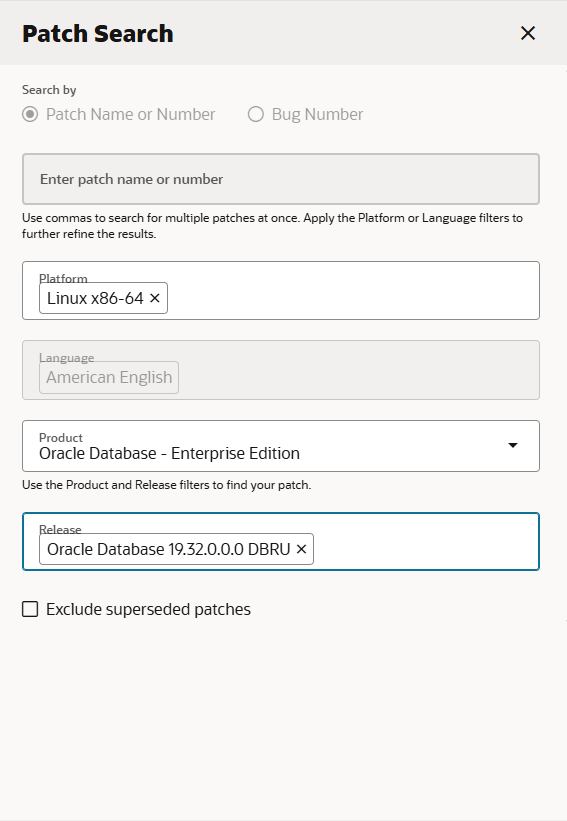
Now downloading patch and look patch read-me. Other than , downloading OPatch current version.
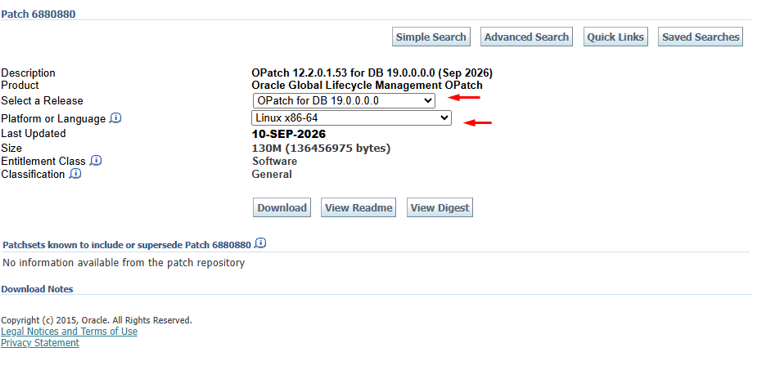
We must upgrade its version to at least the specified OPatch version level, as indicated in the My Oracle Support document for patch 6880880 (by selecting the ‘OPatch 12.2.0.1.0’ release).
INFORMATION
We install oracle software with 19.32 release patch.
For OPatch page downloading.You can check how to update Opatch in my previous articles.
Now starting installation. Firstly unzip oracle database 19.3 home zip to oracle home path in server. Secondly,pre-install step in server.
[oracle@testdb01 ~]$ cd /oracle/product/19c/db/
[oracle@testdb01 db]$ export CV_ASSUME_DISTID=OL8

[oracle@testdb01 db]$ ./runInstaller -applyRU /oracle/product/19c/db/39472050/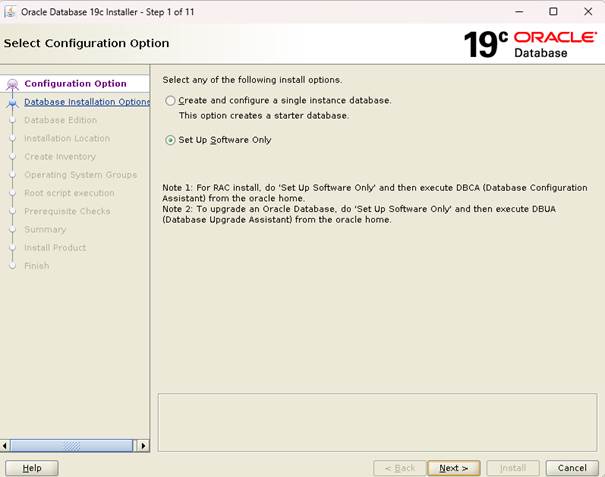
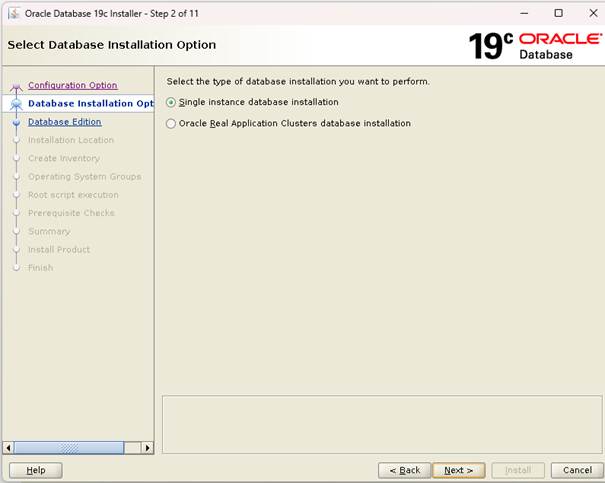
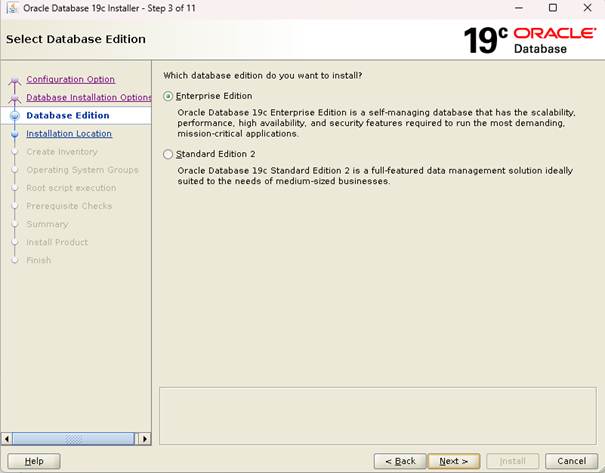
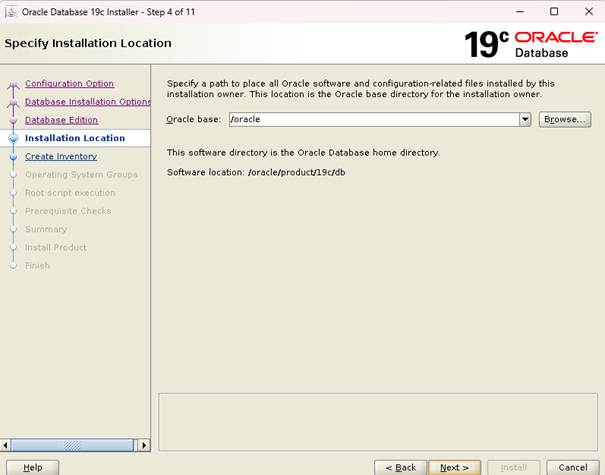
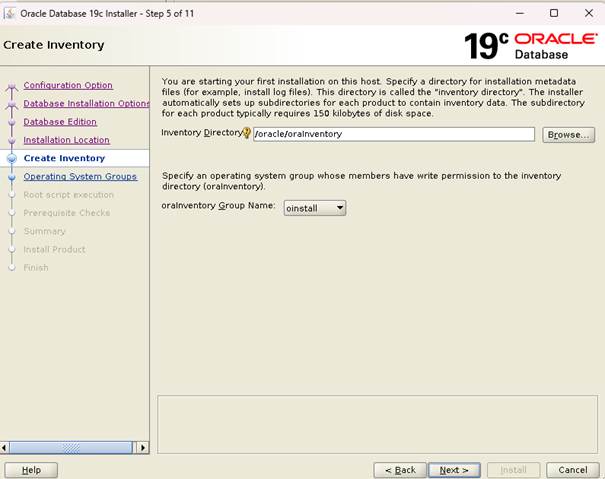
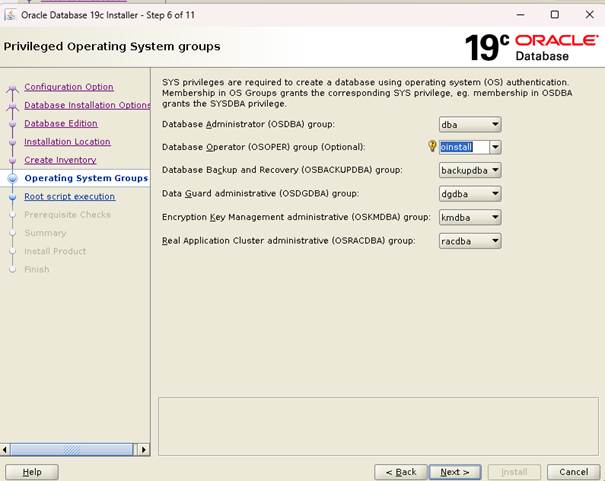
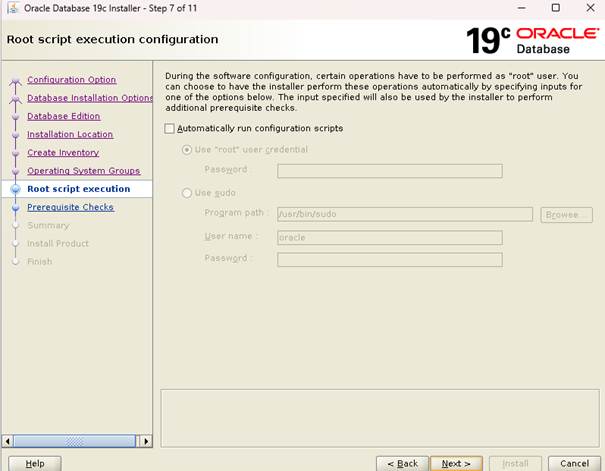
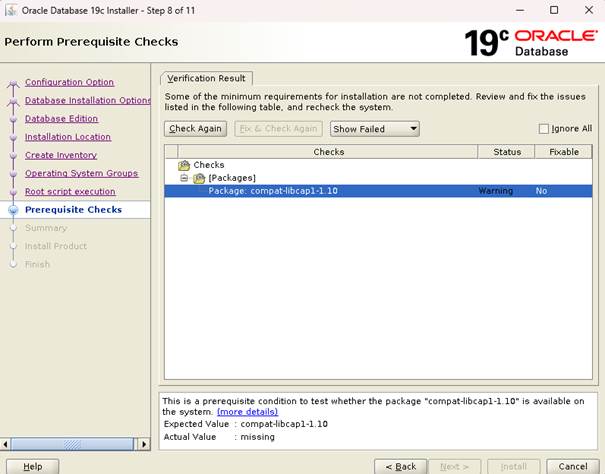
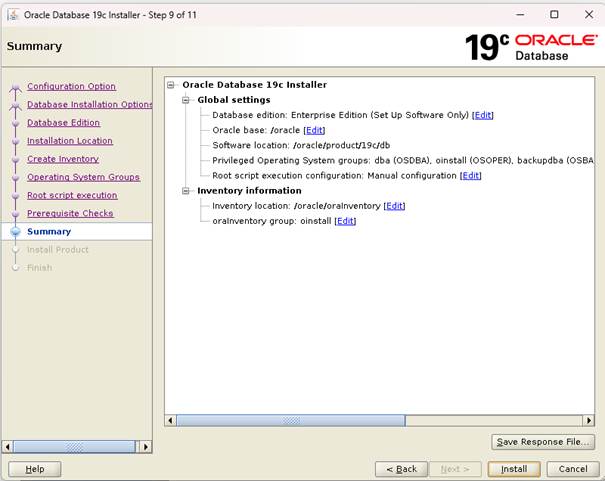
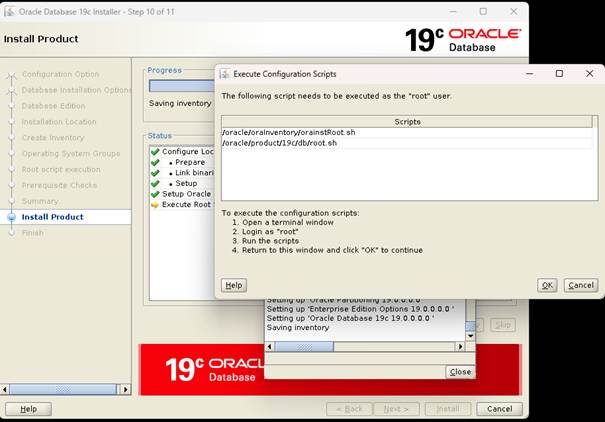
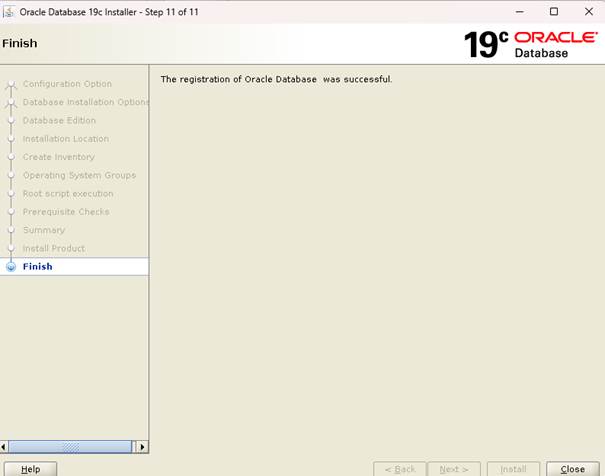
Software installation finished with successfuly.
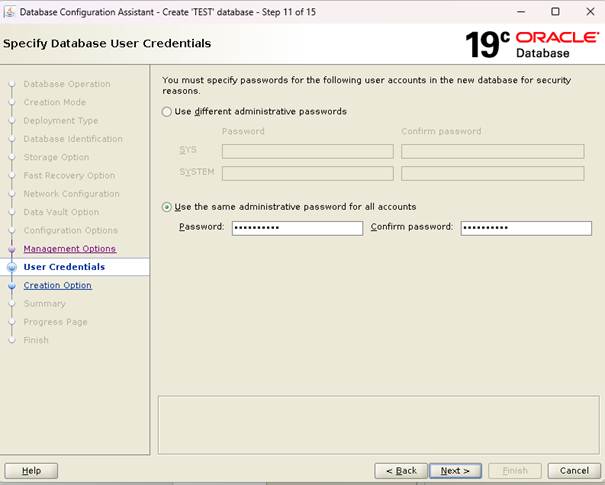
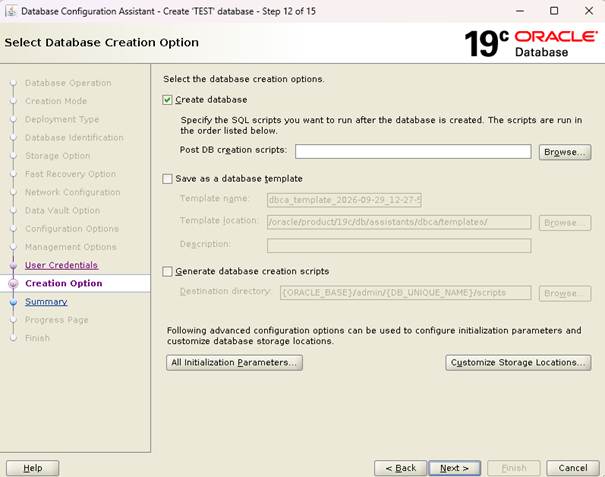
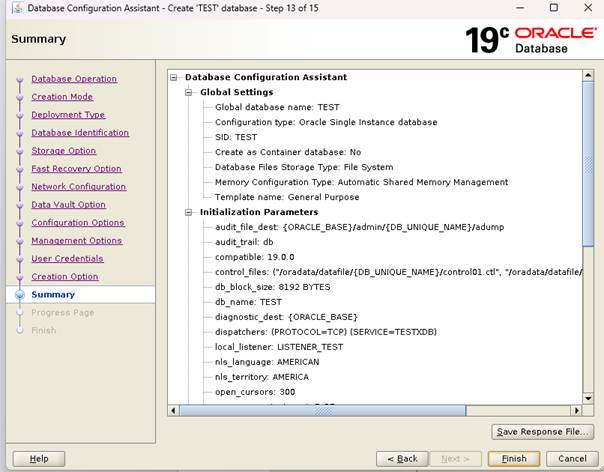
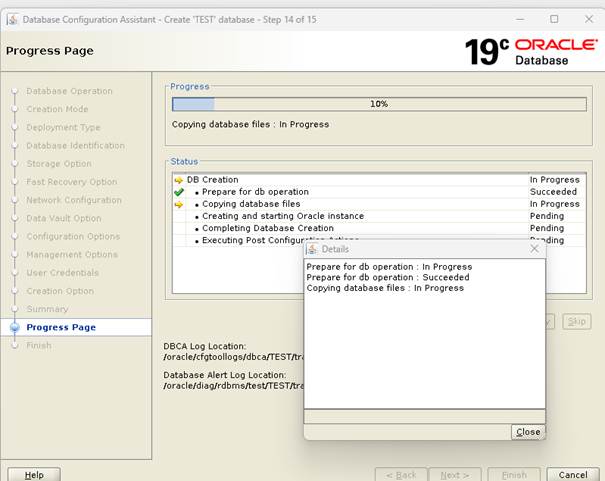
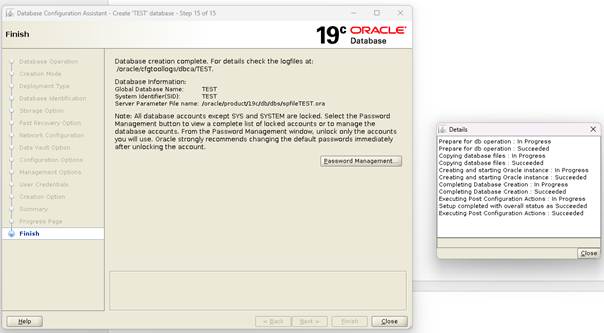
Now create database witch dbca assistant tool.
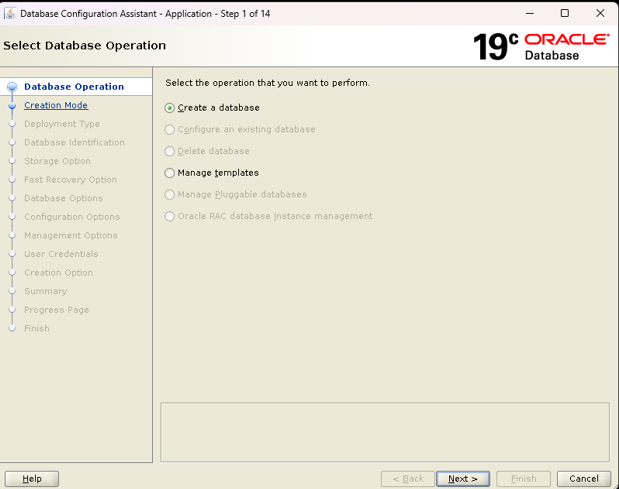
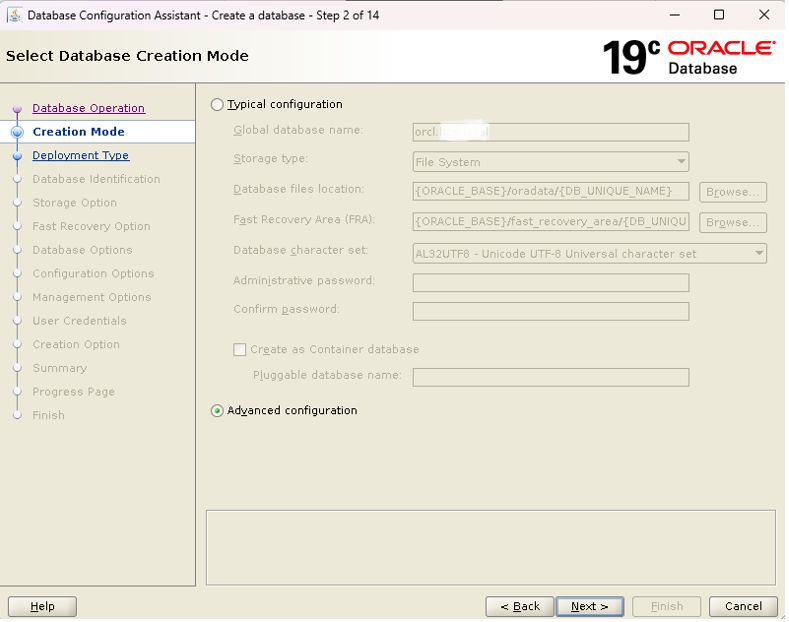
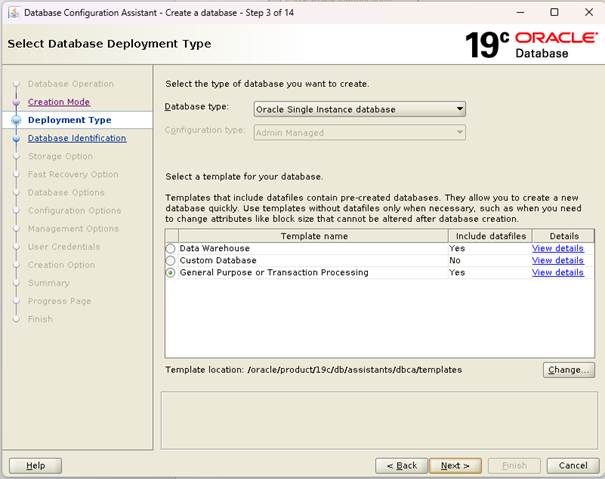
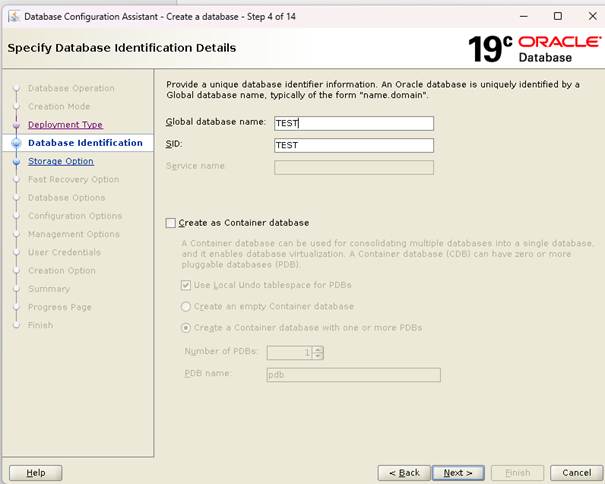
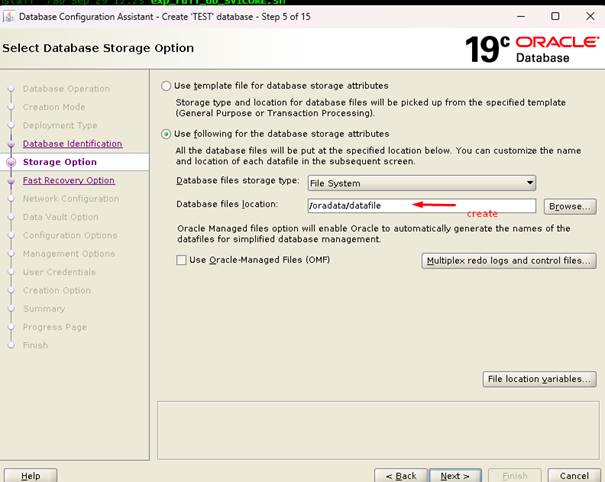
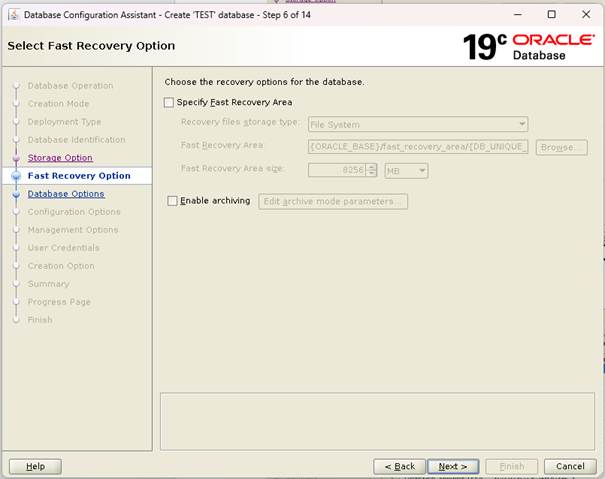
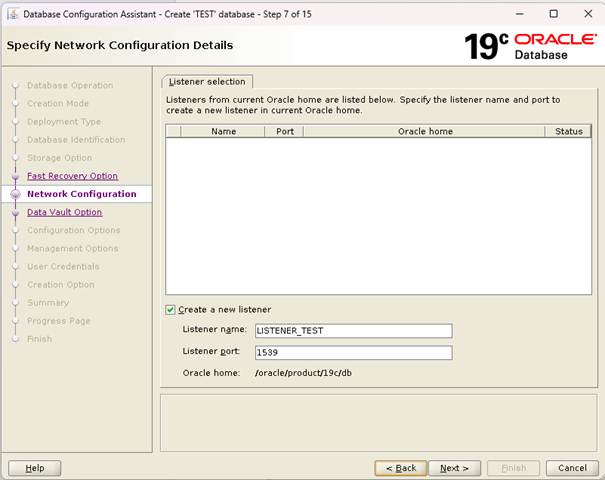
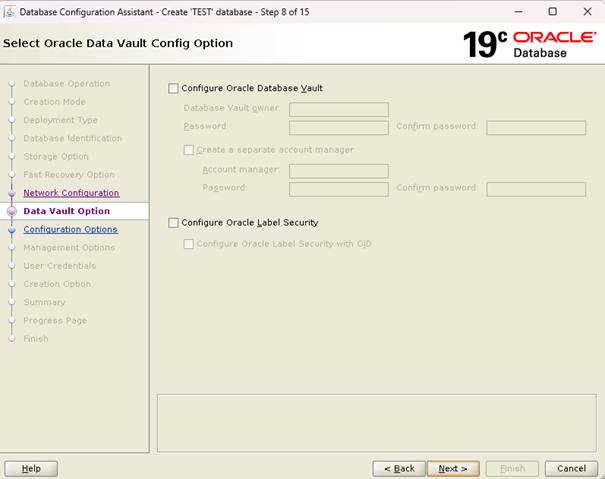
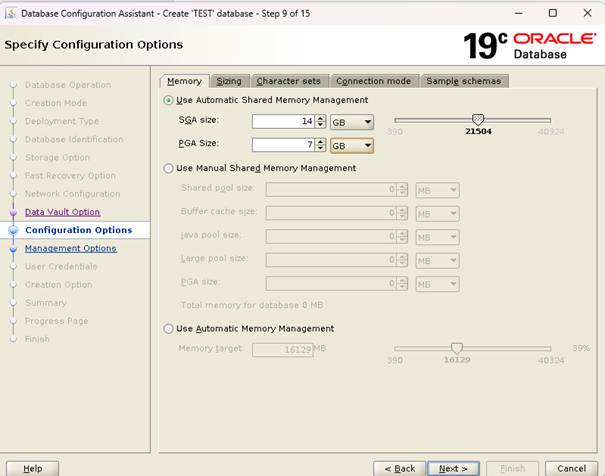
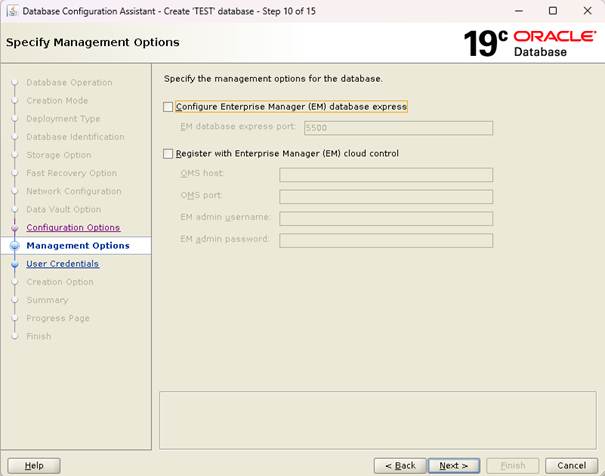
Oracle Database 19c Enterprise Edition Release 19.0.0.0.0 – Production
Version 19.32.0.0.0 database created.